




How to Make Your Game Feel More Immersive (Without Fancy Gear)

A truly immersive gaming experience doesn’t require expensive VR headsets or high-end hardware. While premium setups can enhance gameplay, immersion is more about how you engage with the game world than the gear you use.
By making a few adjustments to your environment and playing style, you can make any game feel more realistic and engaging—without spending a fortune.
Optimize Your Environment for Distraction-Free Gaming
Creating the right atmosphere plays a huge role in how immersive a game feels. Even the most detailed game worlds can feel underwhelming if you’re constantly interrupted by outside noise or distractions.
Dimming the lights, using blackout curtains, and playing in a quiet space can make a significant difference.
If you’re gaming on the go or setting up a temporary gaming space, a portable power station can ensure your devices stay powered without interruptions, especially during long sessions where outlets may not be easily accessible.
Enhance Audio for a More Engaging Experience
Sound is one of the most important factors in immersion. A well-designed audio environment can make you feel like you’re inside the game world, even if your screen isn’t the biggest or highest resolution.
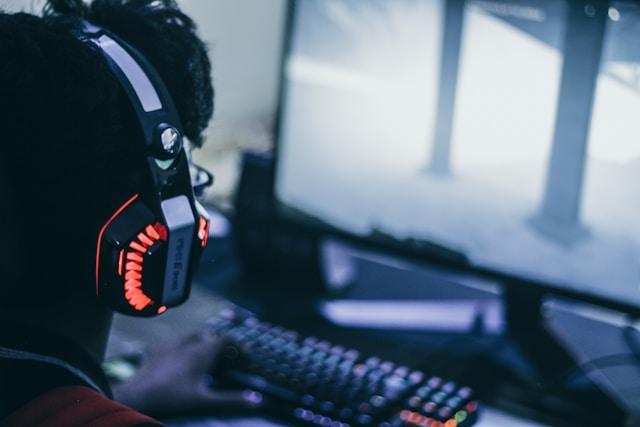
If you don’t have surround sound, high-quality headphones can provide an immersive experience by blocking out external noise and enhancing in-game audio details.
Many games have sound customization options, allowing you to adjust bass levels, spatial audio, and voice clarity to match your preferences.
Adjust In-Game Settings for a More Realistic Experience
Many gamers overlook the impact of adjusting in-game settings to improve immersion. Small tweaks like reducing HUD elements, increasing field of view, or enabling dynamic weather effects can make the game world feel more natural and lifelike.
Motion blur, depth of field, and ambient sound adjustments can also enhance realism, depending on the game. Experimenting with these settings can make a major difference in how connected you feel to the game world.
Play with a Purpose
Playing with a more deliberate mindset can make the experience more immersive. Instead of rushing through objectives, take time to explore the game world, interact with NPCs, and appreciate the details developers have included.
Role-playing—even in non-RPG games—can also deepen immersion. Giving your character a backstory, making decisions based on in-game lore, or simply following in-game routines (like eating, resting, or obeying traffic laws in open-world games) can make everything feel more authentic.
Minimize External Distractions
Notifications, background apps, and messages can quickly pull you out of a game. Before starting a session, reduce distractions by putting your phone on silent, closing unnecessary programs, and eliminating anything that might break the flow of gameplay.
If you’re gaming on a PC, using a distraction-free mode or gaming overlay that minimizes pop-ups can help maintain immersion. The fewer interruptions, the deeper you’ll feel connected to the game world.
Why Small Changes Make a Big Difference
You don’t need expensive upgrades to make a game feel more immersive. By fine-tuning your environment, adjusting audio and visual settings, and engaging with the game world more deliberately, you can experience a deeper connection to the story and gameplay.
Latest Gaming News
All News